App Store Storefront
Nightly Builds
Tools for myself. Try at your own risk.
App Sandbox
Hardening
Notarized
Signed
Font Setter
Recyclable Projects
Tools for myself. Try at your own risk.
App Sandbox
Hardening
Notarized
Signed
Most browser AI extensions are really annoying. They constantly push subscription plans and cram in too many features. Docent never gets in the way of your browsing. Zero bloat. Zero paid features.
Open the side panel from the toolbar button, or select a word / paragraph and open context menu (which can be disabled). Only two entries. AI features stay in their own frame and never blend in your webpage content. Absolute silence when you don’t want AI.
Select multiple tabs, upload attachments, and search the web (availability varies by model). Quick preset groups also bring up commonly used commands: compare, summarize, explain, verify, and more…
Your conversations stay on your device. Export them as Markdown and clear them manually or on a schedule, so you never have to worry about filling up your disk.
Use your own API key (BYOK) to connect directly to the provider (including compatible endpoints), with AI costs paid directly to the provider based on usage. You can also use Apple Intelligence or installed local models to process everything on your device. (On-device models require a supported environment)

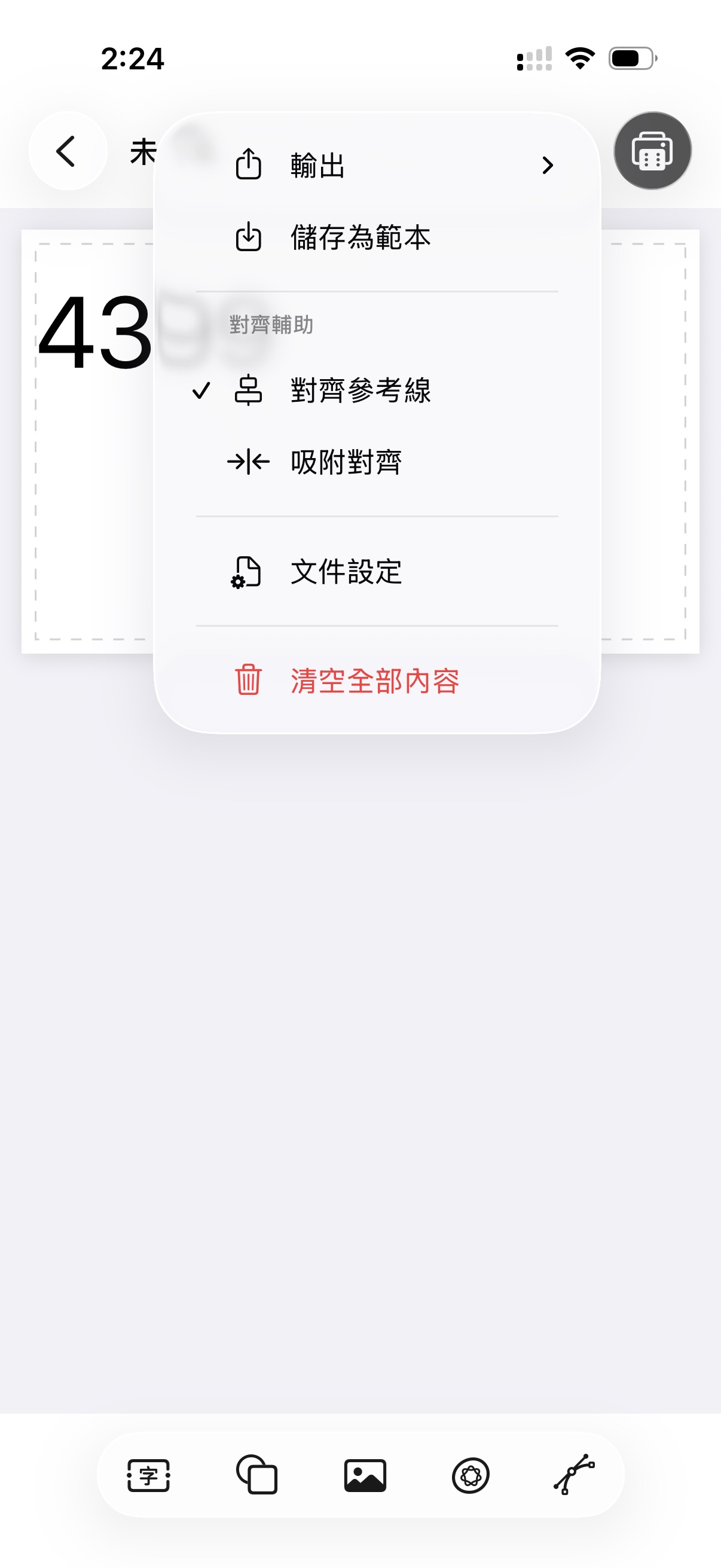
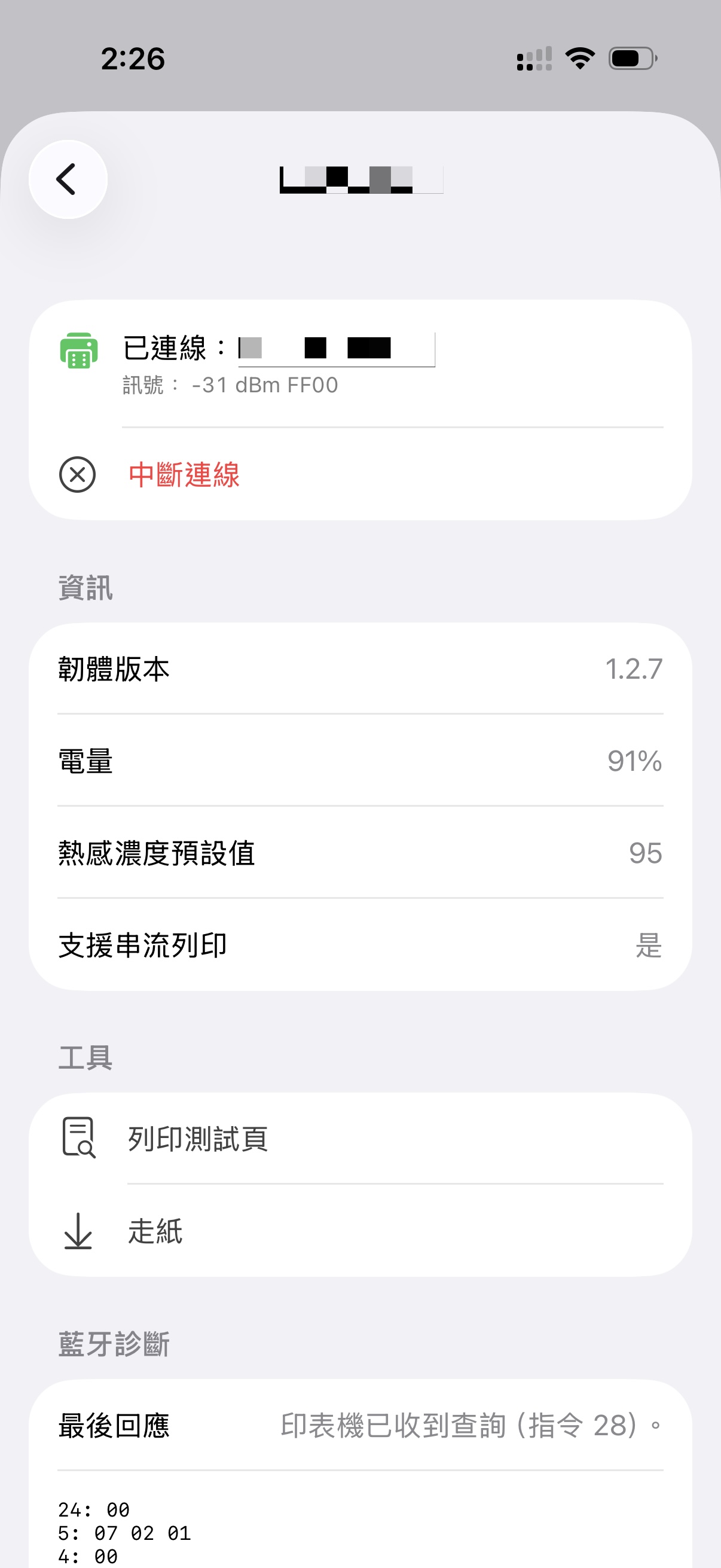
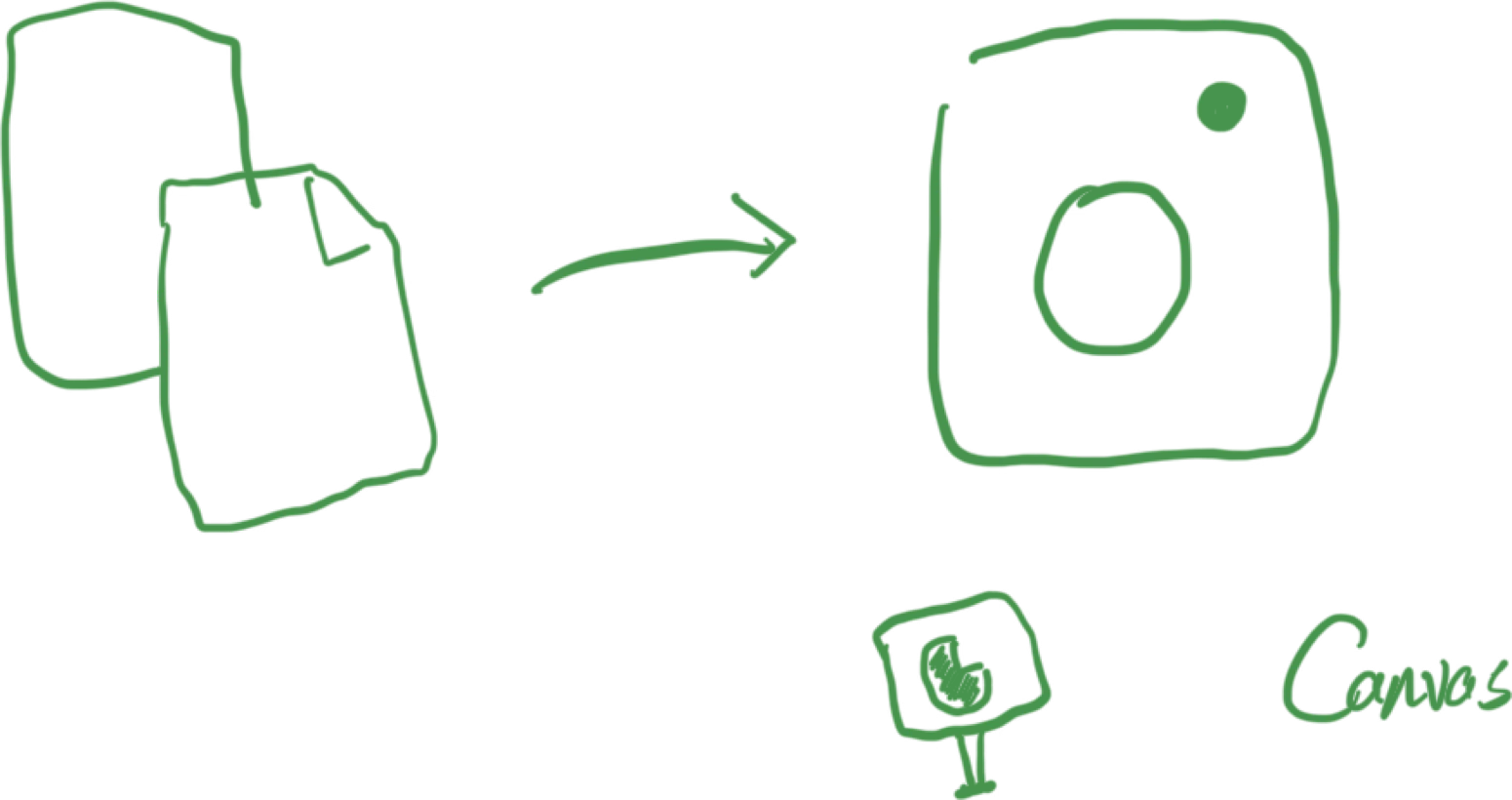
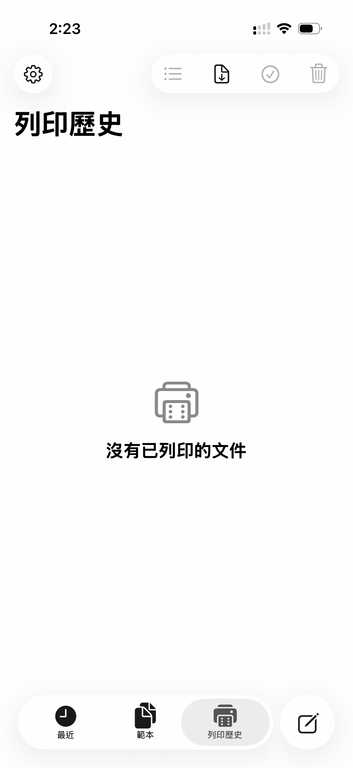
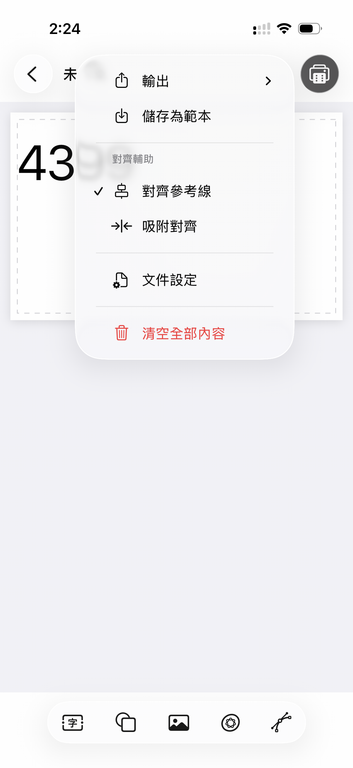
Bitarf is a long-roll layout editor that supports printing with 384-dot printers.
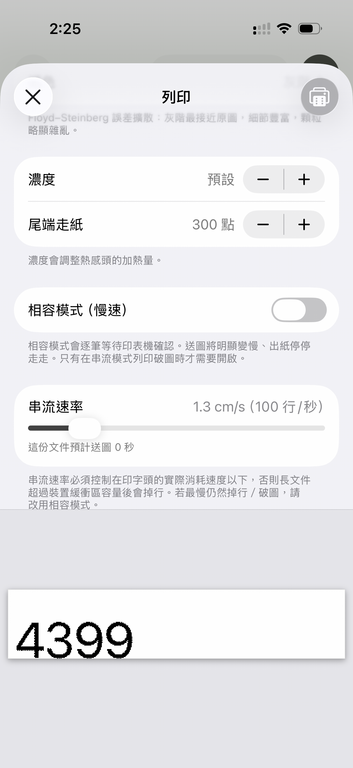
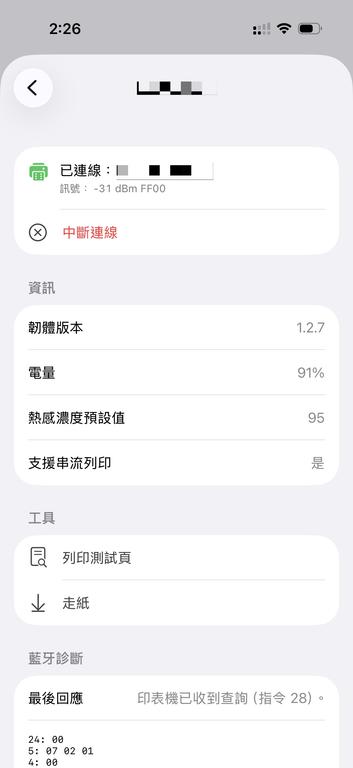
Designed specifically for fixed-width, infinitely long documents, it lets you insert text, images, tables, vector objects, and more onto an infinite canvas. Its built-in image-processing engine previews the documents’ halftone effects using several dithering algorithms including Floyd–Steinberg, Atkinson, and Bayer. It can export documents and images for long-term storage, transparent layers, PDF files, and other formats. It is also suitable for creating text and graphics with halftone effects. With customizable parameters, it supports Bluetooth-enabled 384-dot printers and prints documents directly on commonly available 57 mm-wide continuous paper rolls, such as those used by receipt and fax machines.


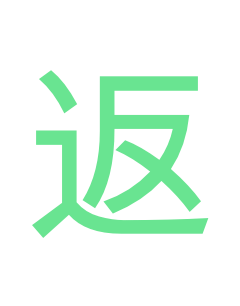
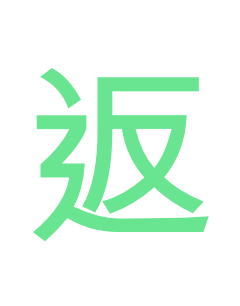
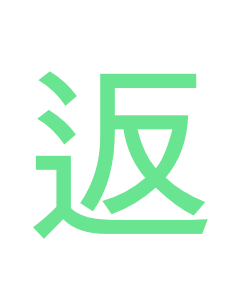
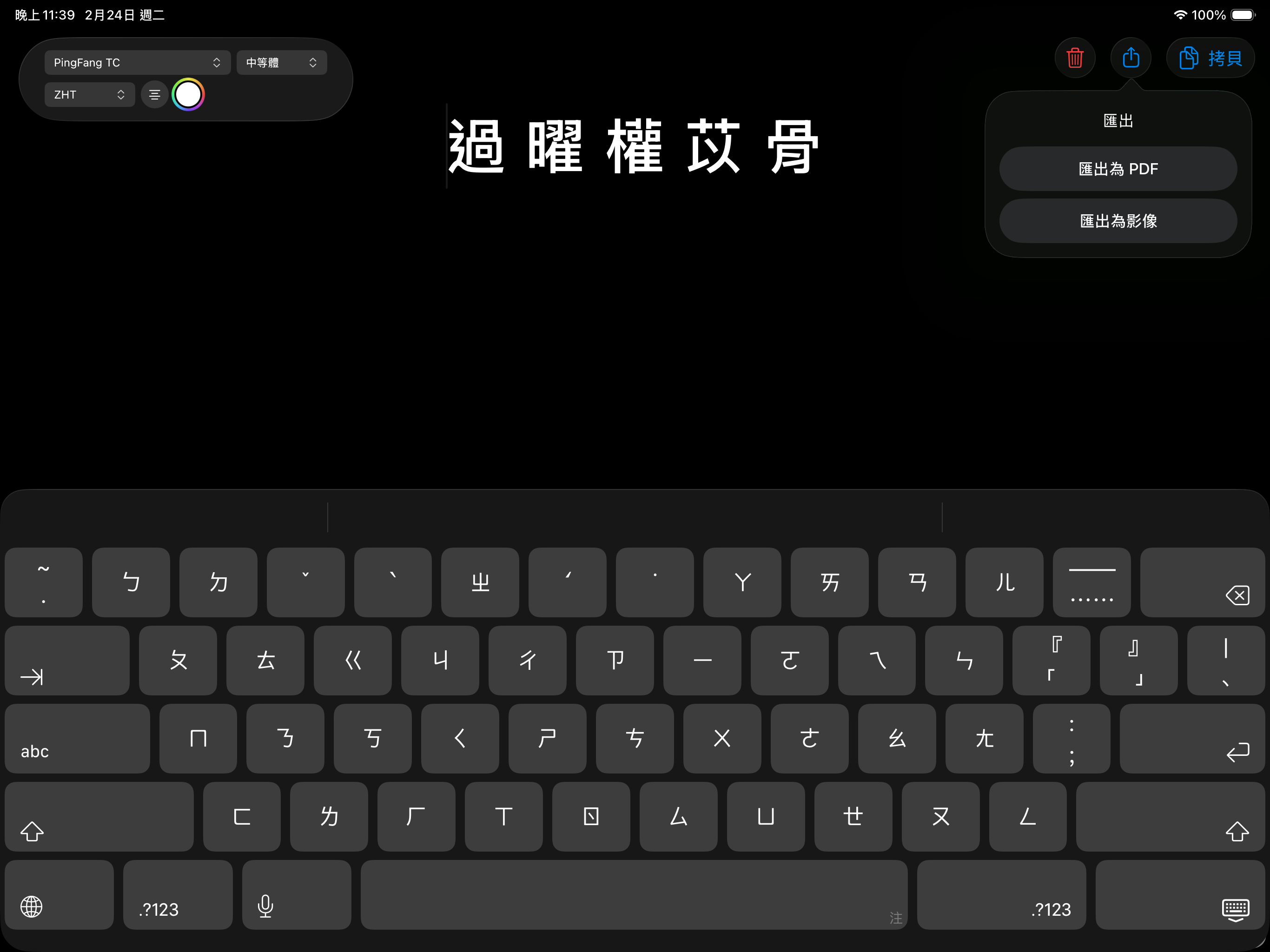
Did you know that many popular fonts include a set of hidden glyph? Most apps never let users discover them. They are "OpenType localized forms". For example, a single "骨" character contains 3 to 4 glyphs, presenting different stroke style for several East Asian regions, such as Taiwan, Hong Kong, Japan, Korea, and the other.
All you need is a menu, which allows you to pick your desired variant. Other apps hiding, LOCL reveals.
ZHS
ZHT
JAN/KOR
Samples of various glyphs of a same character.
One tap to copy and paste to Stories, Slides or whatever. Right glyph, right font, right at your fingertips.
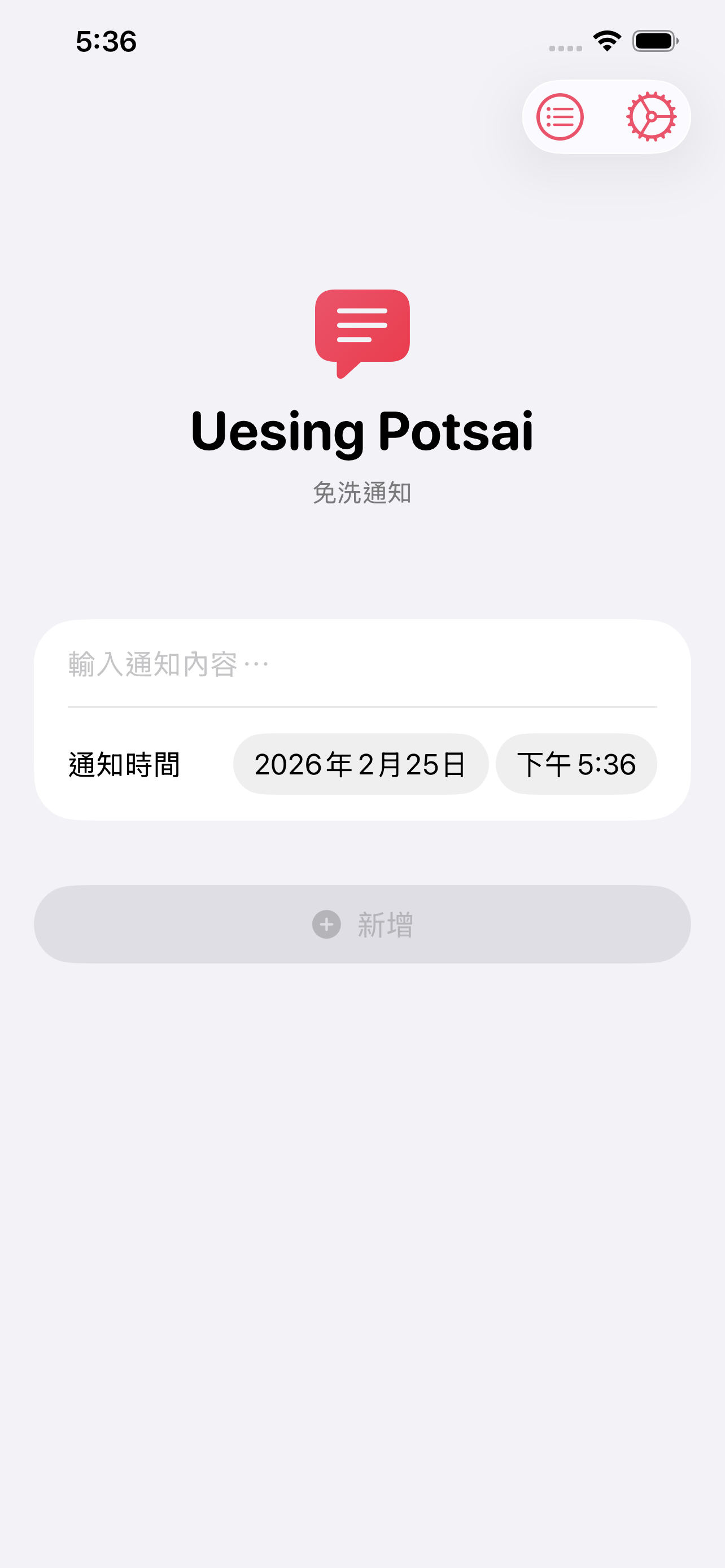
Once upon a time, there was an app. The app offers users to create & schedule disposable notifications. Like, you wish a note to appear on the lock screen at a specific time. After that, no need to check, tick, or mark as "Done". Just swipe the banner away. It's this lightweight.
Suddenly, the beloved app was gone. It stopped working, and even removed from the store. Users were so sad and helpless. Fortunately, here's Uesing Potsai to save the day.
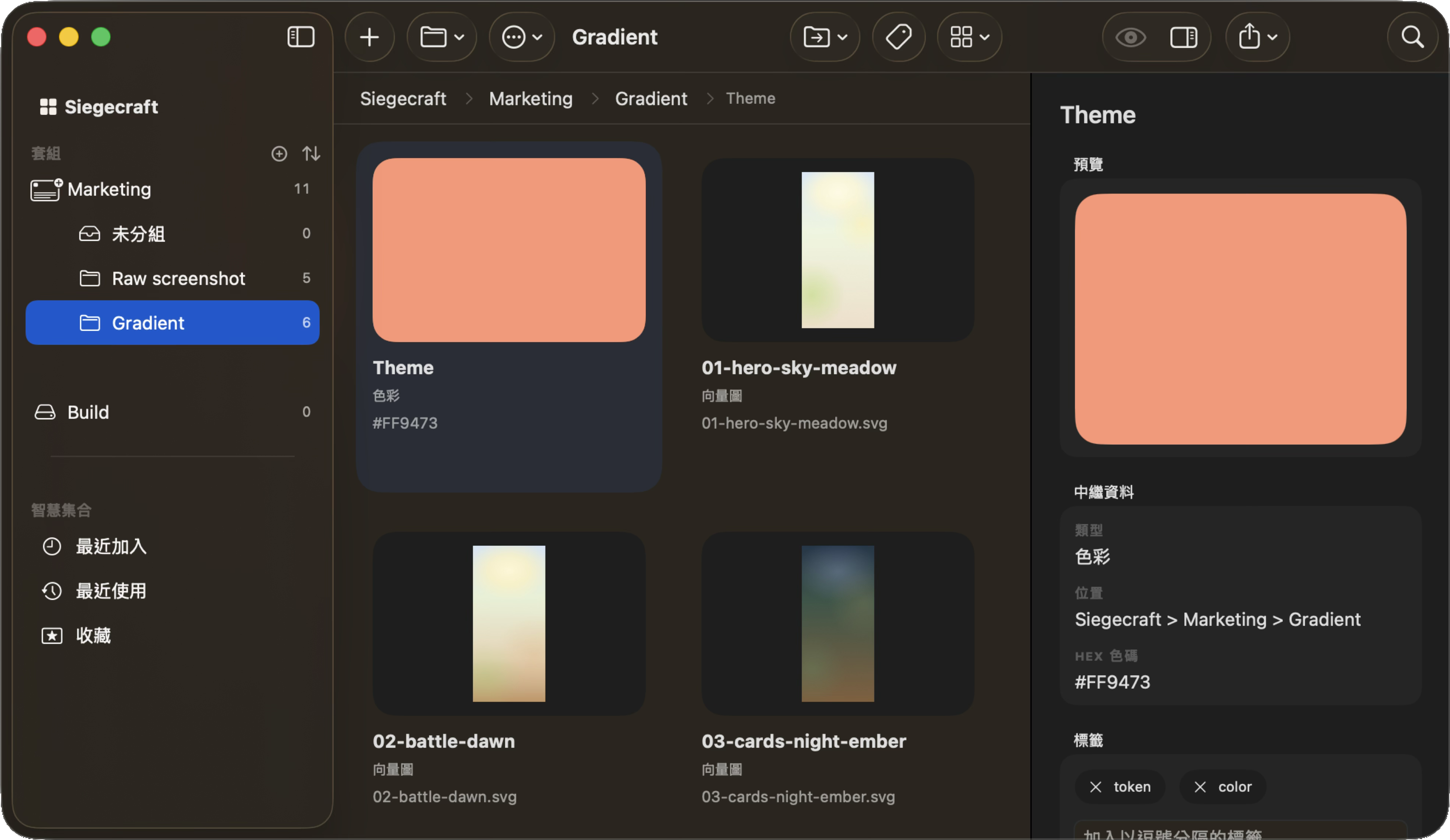
You probably know better (or more clueless) than anyone else about where the design assets are scattered. Screenshots are on the desktop, color swatches are in the notes, vector files are in some "final_final" folder, and font specifications are in a certain Slack message. Materia is a macOS desktop tool that gathers all these items in one place.
Store images, vectors, colors, text styles, and copy. Can directly export code snippets for Swift, CSS and more.
Workspace → Kit → Group → Asset. You can organize by brand, project, or client; your file, your logic.
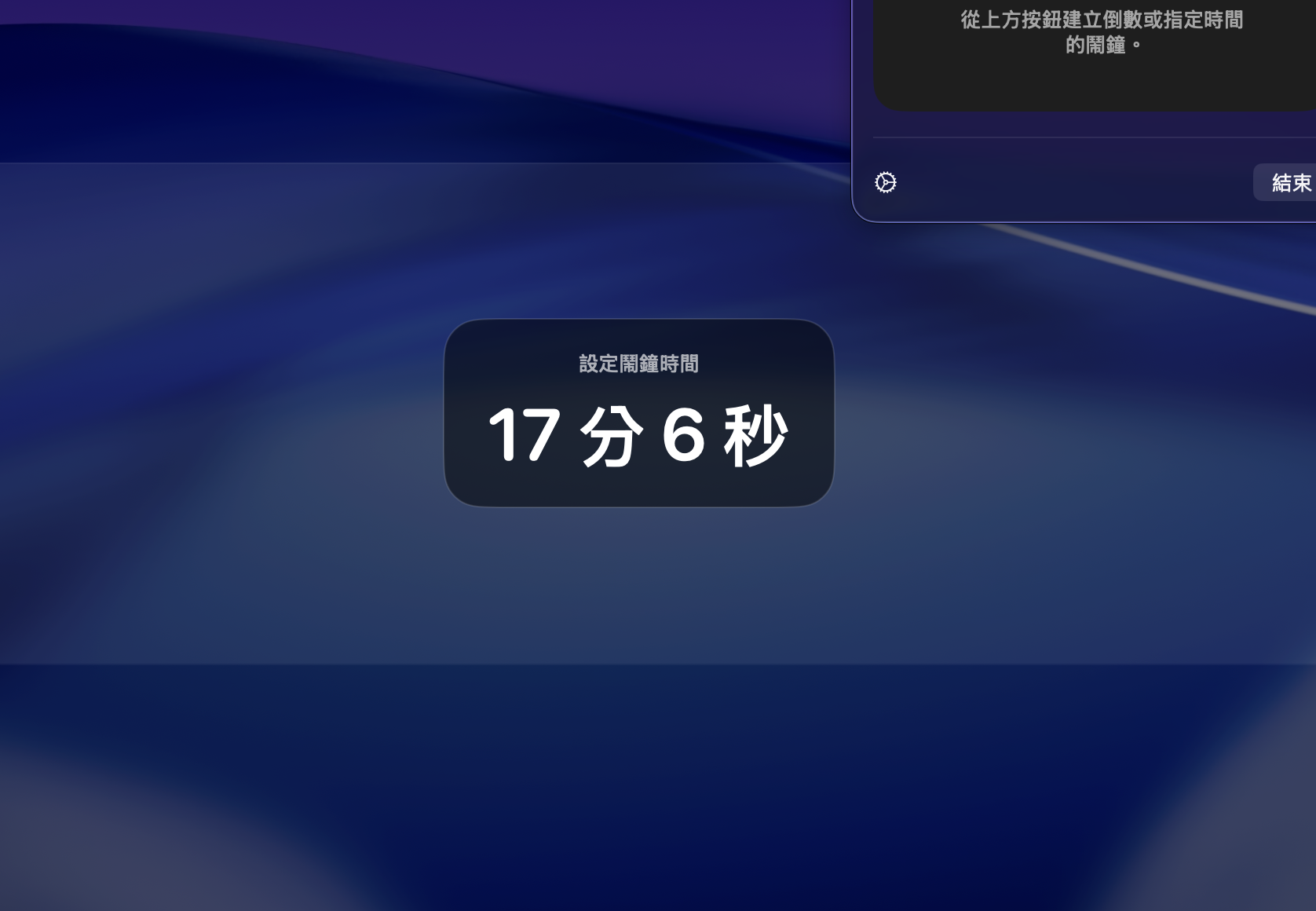
Glide is a lightweight macOS menu bar alarm app built with SwiftUI. It helps you create quick countdowns or exact-time alarms, choose a message, and bring up a full-screen blocking alert when time is up.
For old Mac users, this may be a replacement for now-gone ChronoSlider Lite.
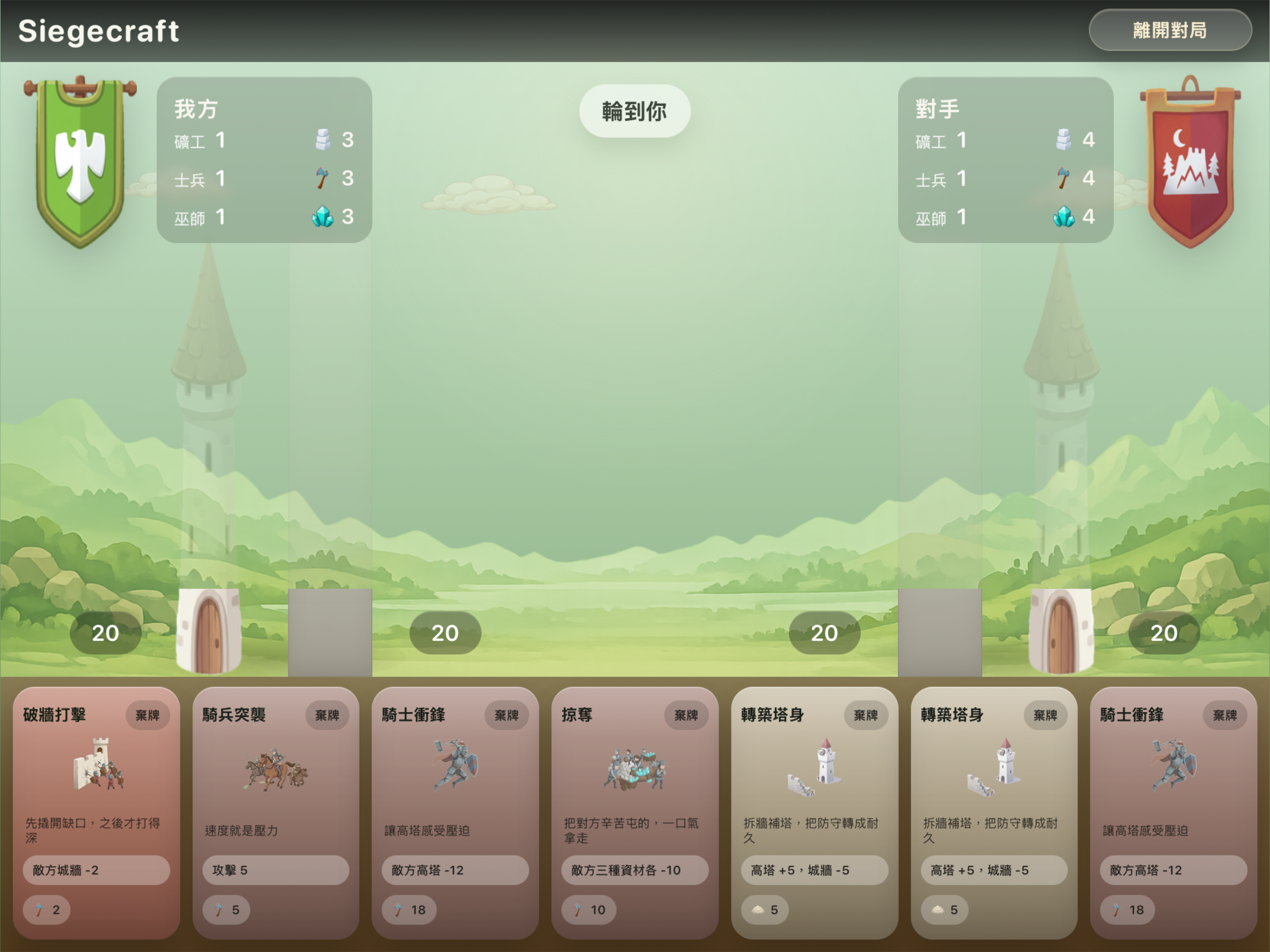
In Siegecraft, a single turn can decide the entire battle. Raise your tower, hold your walls, build your economy, and play the cards that shift the momentum in your favor. This is a fast, focused turn-based strategy where every move matters and every decision can open the door to victory or collapse.
You can play the long game, strengthening production and defenses until your advantage becomes impossible to stop. Or you can strike hard and early, using military power and magic to overwhelm your rival before they can recover. In Siegecraft, the value of every card comes down to timing.
Siegecraft blends card play, resource management, and tactical siege warfare into a strategy experience that feels immediate, satisfying, and full of meaningful choices. Reinforce your walls, invest in growth, strengthen your tower, or launch the attack that ends the match. The tension comes from knowing that one smart turn can change everything.
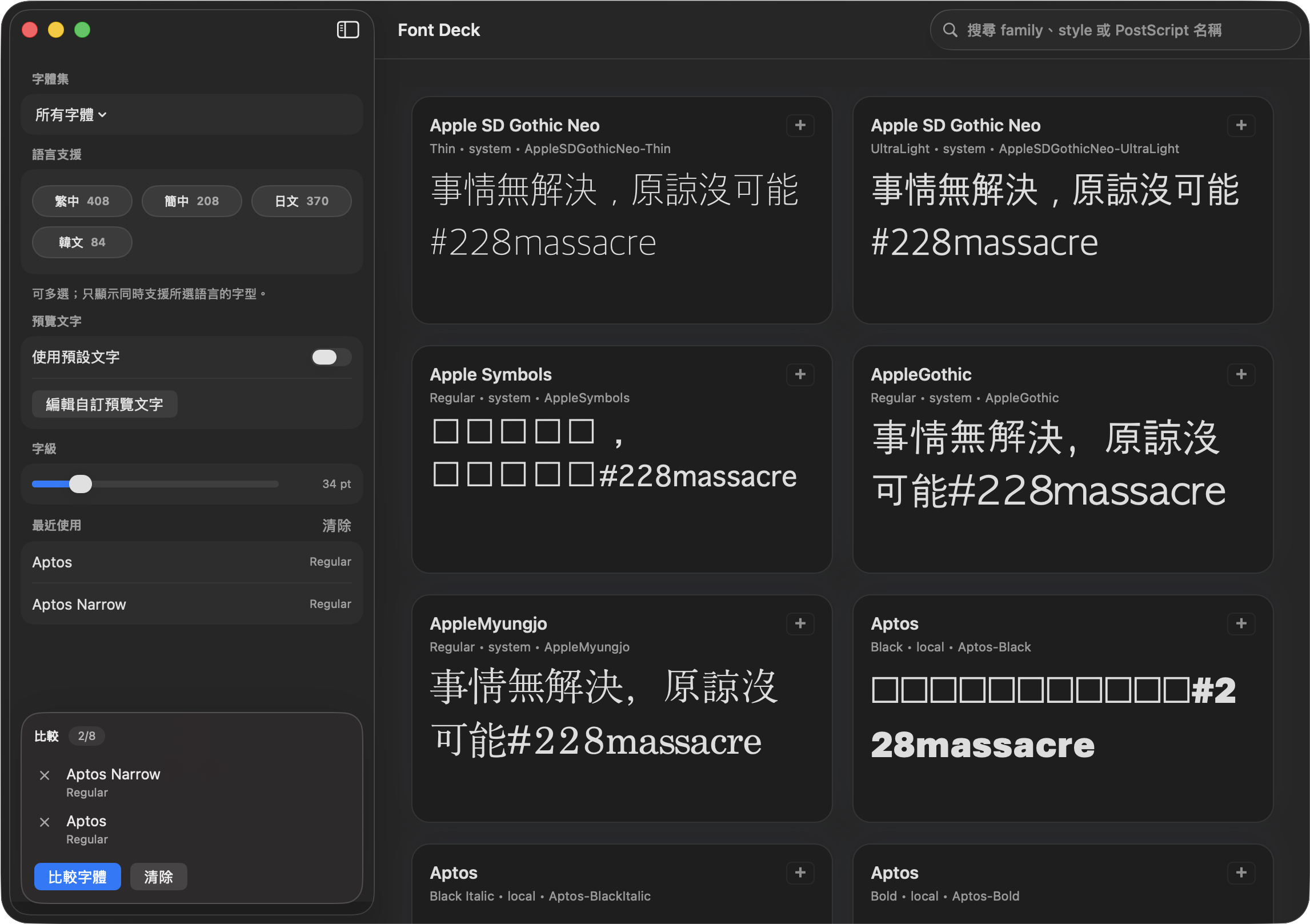
Here's the thing. Since which version, the built-in Font Book app became laggy and so cringe I had to make an alternative.
Anyway, I created it for myself. You may try it if you're interested.
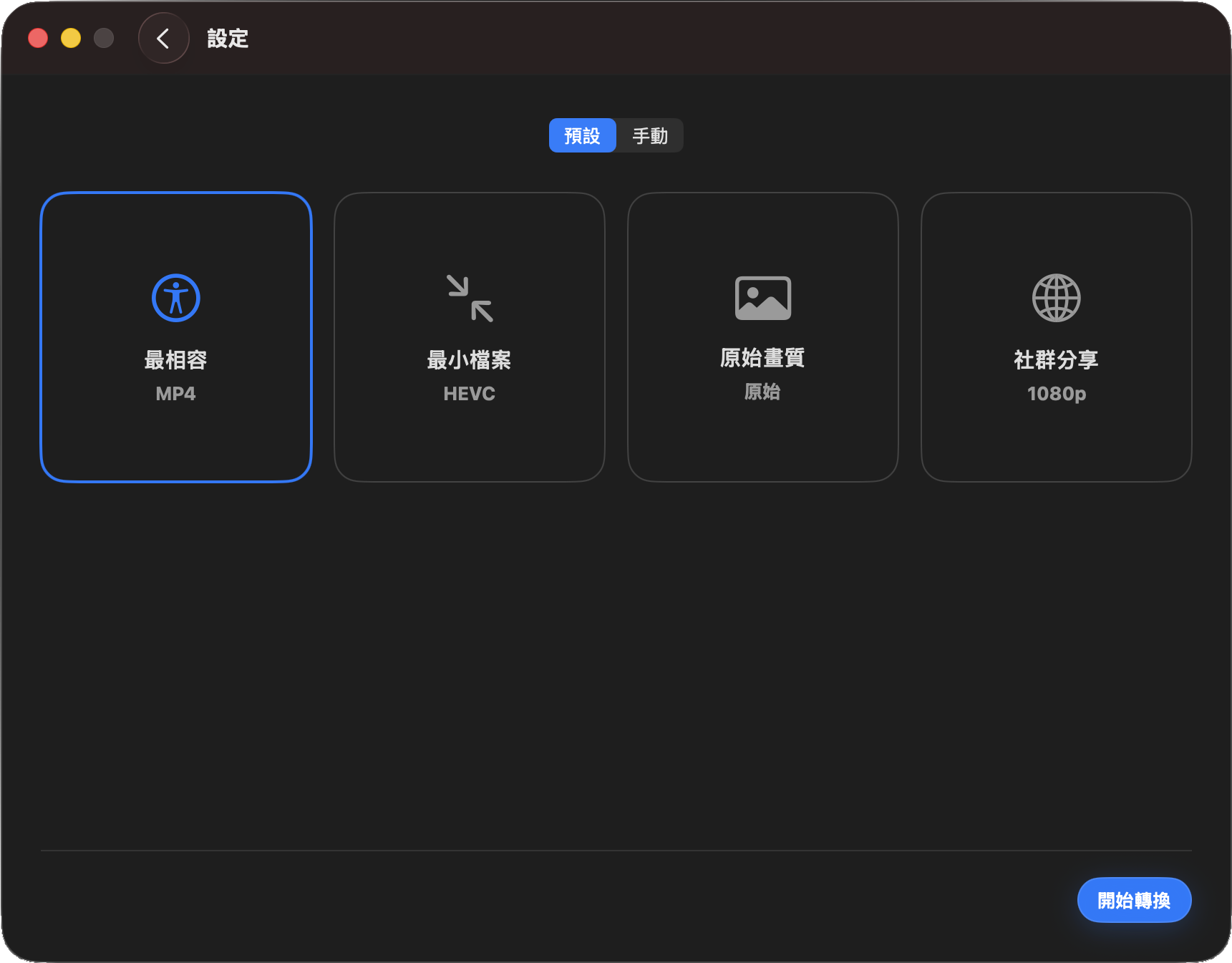
I'm not really satisfied with this one, but at least it works. Convert WF freed me from typing terminal commands, dealing with watermarks, and odd restrictions. Batch conversion also available.
Anyway, I created it for myself. You may try it if you're interested.
This tool scans your open document and sets fonts based on your choice of CJK/Latin fonts.
There was a similar utility long time ago. It's nice. I've run it for years, too. However, I lost it when I switched to a new Mac but I still need one. DIY.
This version was tested on Pages Creator Studio (15.1).

Credit card rejected at 2am, wire transfers that won't go through, spotty connection, posts that won't load. Maintenance notices are scattered everywhere, so you're stuck searching social media for people complaining about it... Something's always broken exactly when you need it to work. With Isle Ready, be confident that “it's not you” — or catch it before it even hits.
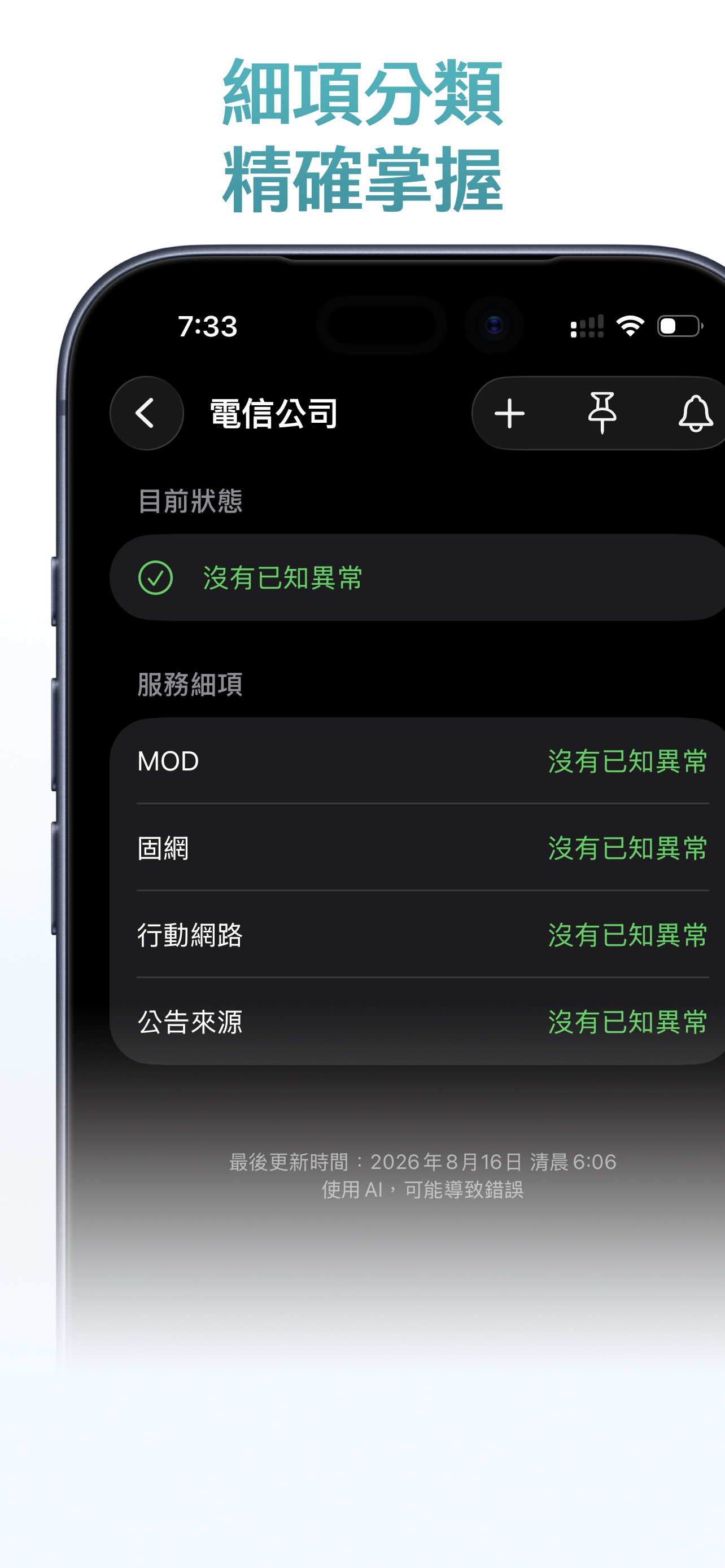
We pull from public official announcements and status pages — we just organize them for you. We present an actual quote and a source link, when possible. No relying on user reports, and honestly, we're not that interested in hearing yours either.
Track the services you use often, pin them to the top of the screen. We know some people get a little obsessive about this, so Home Screen widgets! Tap to refresh. Feeling extra? Turn on incident notifications, and sync across all your devices through iCloud.
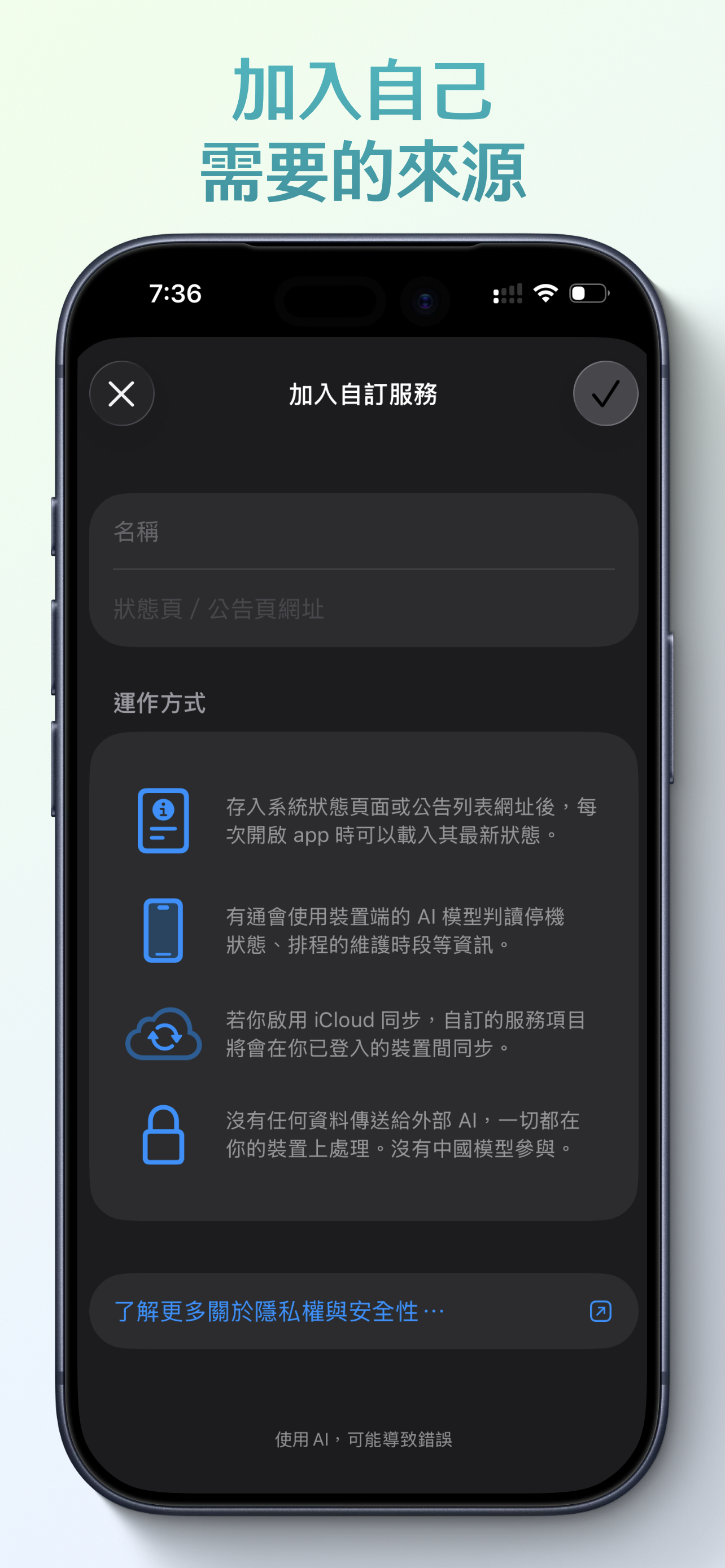
Here's the wild part: you can add any service you want to track yourself. Just paste in a URL, and Isle Ready will run the check and AI analysis using your iPhone (yes—your data and your battery). You just sit back and watch the results come in. We turn “write a script + set up a server” into something that runs right on your phone. Just set up a Shortcuts automation and it'll update in the background. Extended features require a device that supports Apple Intelligence.
We don't even care who you are. Minimal data collection, zero telemetry, no personal info — anything that can run on-device never gets uploaded. Honestly, we don't want to pay for servers either.
Isle Ready is:
・Collection & display
・A way to see has anyone own “something's wrong”
Isle Ready is not:
・Testing, monitoring, or real-time alerting
・An operational guarantee
・Customer support, report channel, or punching bag
Hope you never need this app.


Bitarf RI is a rebuilt database for an iOS scroll-based layout editor app in Traditional Chinese. It preserves the code for document management, canvas editing, text typesetting, vector and image import, gradient filling, preview, and basic Bluetooth interfaces, and provides reconstruction prompts for a coding agent with a complete implementation of 384-dot continuous-feed dot-matrix printer hardware, using a “classic model” as an example.


This repository does not contain the original Git history, signing certificates, provisioning profiles, Apple Team ID, developer accounts, test data, or build artifacts.
This repository is incomplete and cannot be built directly. After pulling the project, use a coding agent (a program that automates code generation) to implement the missing protocols, hardware profiles, BLE adapters, print jobs, and test parameters to complete the reconstruction and create an executable Xcode iOS app project.
First, instruct the coding agent to read README.md. Have the coding agent locate the prompt files corresponding to the missing features. Each folder with a hardware gap contains only one prompt file, and its content covers only the files directly contained within that folder. The prompt files for rebuilding include:
The “insert here...” comments left in place and the string catalog reconstruction metadata indicate specific locations for filling in content. Prompts are saved as text to document functionality, UI, packet fields for classic device models, constants, measured values, and compatibility behaviors.
Recommended reconstruction order:
The Bitarf RI automation script was inspired by the following projects: